
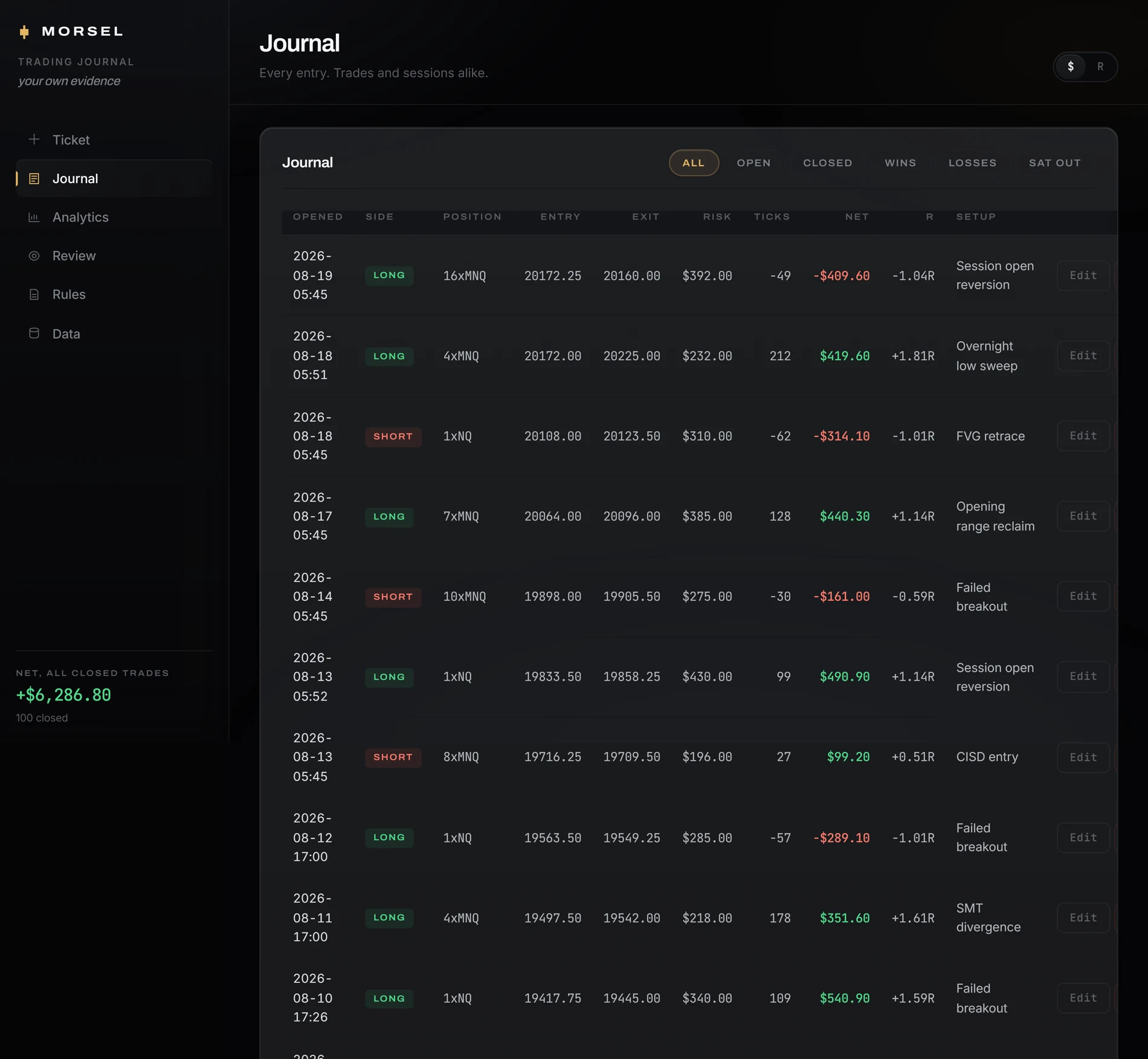
Demo data shown for illustration.
What you planned.
What you did.
What keeps repeating.A trading journal for NQ & MNQ futures.
Keep your plans, trades, and rules connected. See where your actions differed from your intentions — and whether the changes you made show up in your next trades.
Explore the sample journal › 96 simulated trades · Read-only


What you planned.
What you did.
What keeps repeating.A trading journal for NQ & MNQ futures.
Keep your plans, trades, and rules connected. See where your actions differed from your intentions — and whether the changes you made show up in your next trades.
Explore the sample journal › 96 simulated trades · Read-only
The record
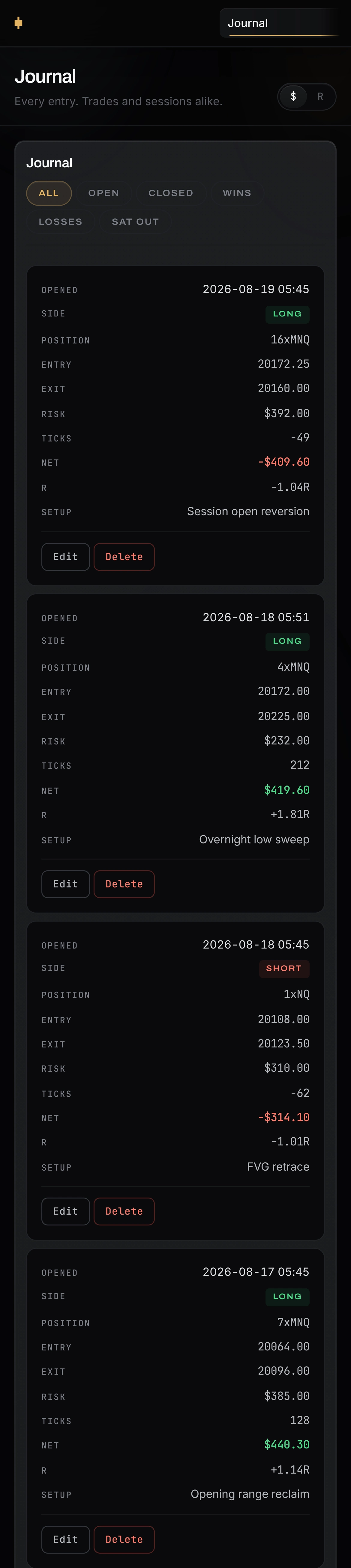
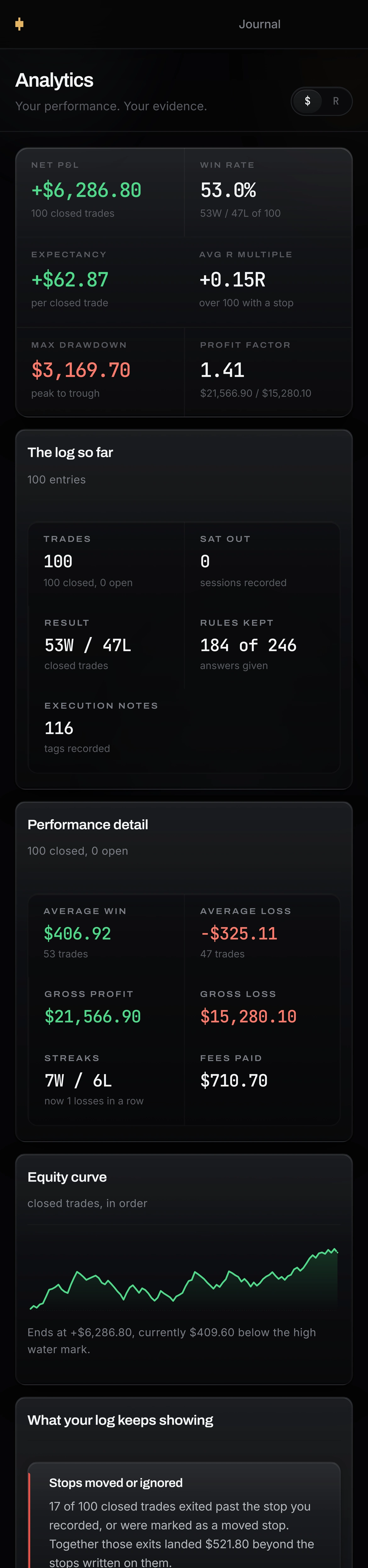
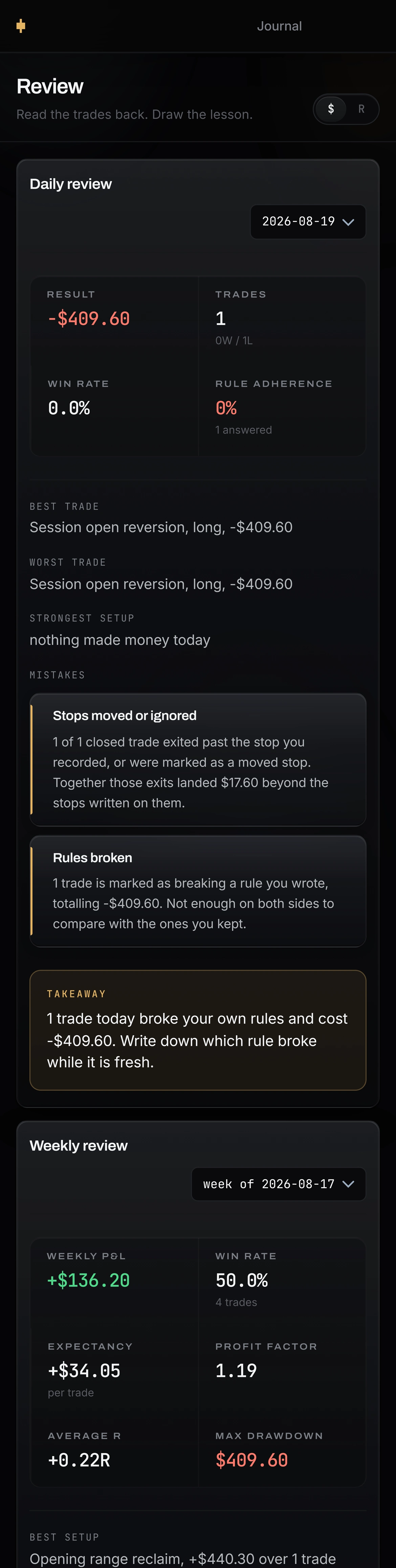
One log. On the desk, and in your pocket.


Written on one, read back on the other.
The log
What Morsel keeps.
Logged before you know how it ends.
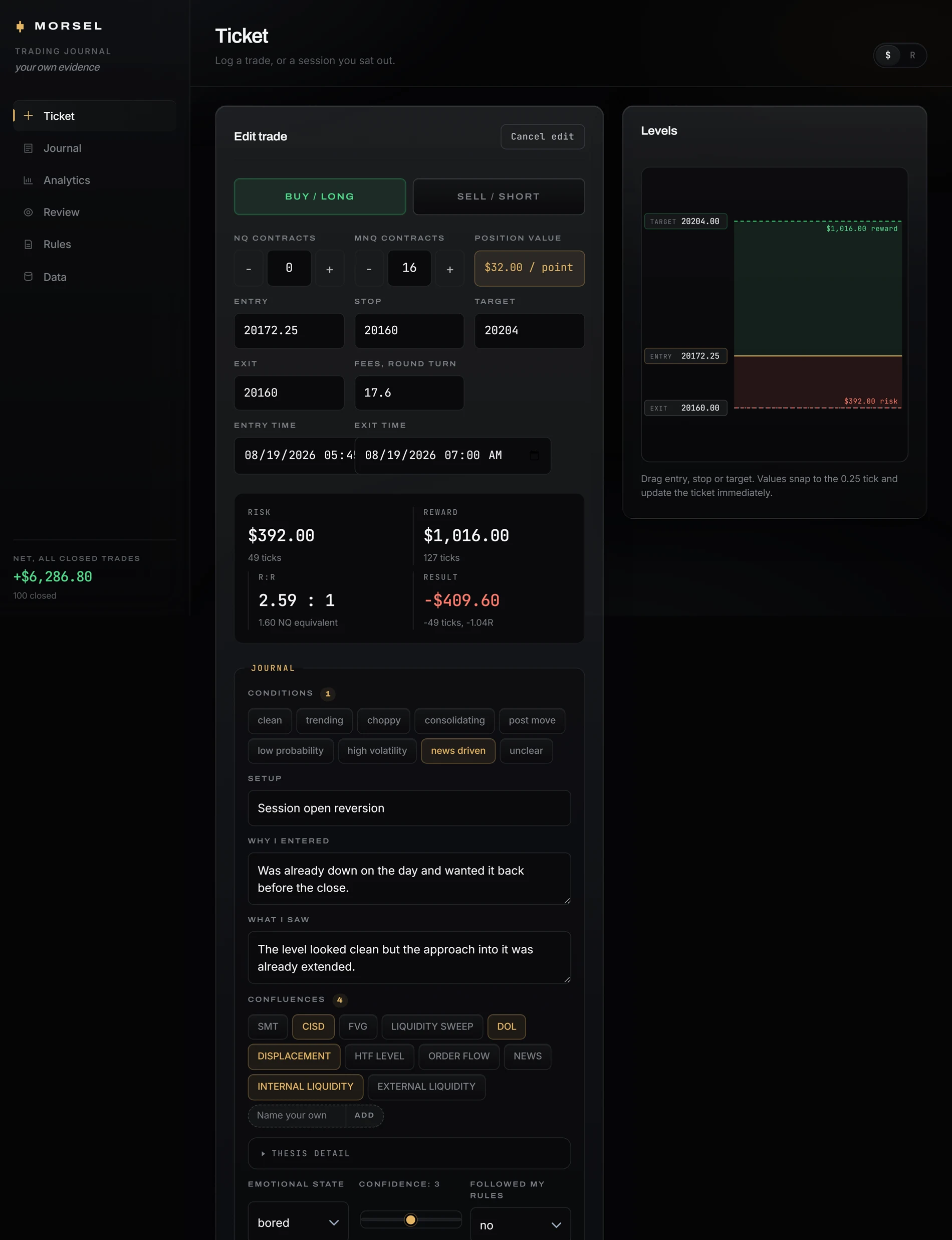
One tap when you get in captures the setup, the size, the reason and the state you were in. Fifteen seconds, while it's still honest.
Pinned to the real chart.
Every entry and exit sits on the actual price action at that second, so you review the trade you took and not just the number it left behind.
The setup that actually pays.
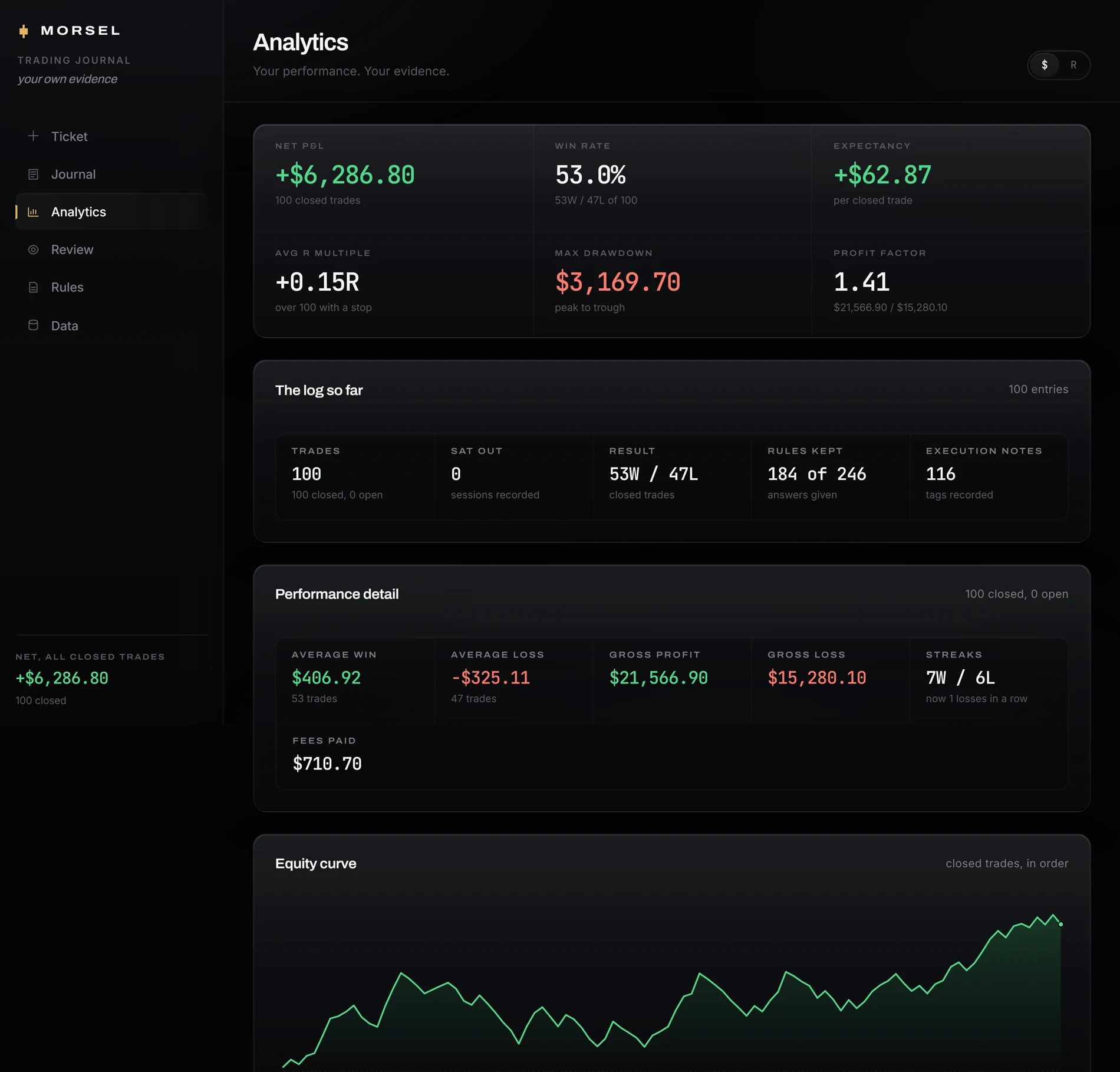
Grouped by setup, by hour, by size and by mood. The one you talk about most is rarely the one making the money.
Revenge trades, named and priced.
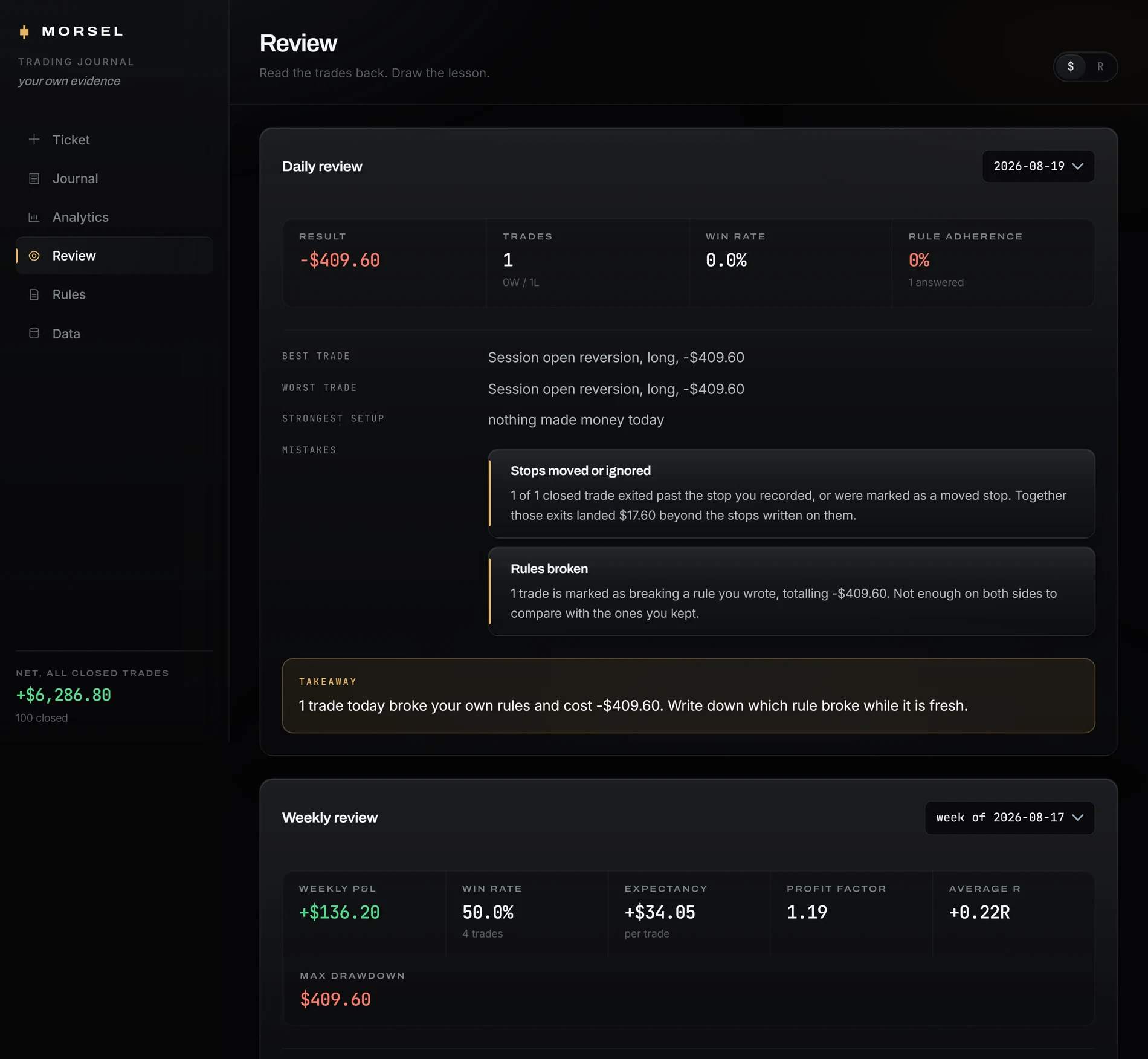
Morsel reads the whole log, not one trade at a time. The trade straight after a loss, the size creep, the Friday afternoon. Each one gets a number.
Consistency you can hand over.
An export a prop firm or a risk manager will accept, straight out of the log, with nothing tidied up on the way.
Ninety seconds a day.
Long enough to be honest. Short enough that you're still doing it in March, which is where every other journal you've tried went wrong.
The difference
Every journal asks what happened.
Morsel asks what you meant to happen.
You do not have a data problem. Your broker kept every fill to the tick and will hand them over whenever you ask. What you do not have is the version of you from thirty seconds before the entry — the one who said four contracts and meant it. That one is gone by the evening, and sixteen quietly becomes what you always intended.
That last line is the only one that matters: what happened in your last trade, in front of you before your next one.
Trade mode · on desktop
Your rules, on top of your platform.
A journal is read after the fact, which is the one moment it can't help you. So this part of Morsel isn't a page you visit. It's a small window that sits above your charts while you trade, holding the rules you wrote, and it's there at the only moment that changes anything: before the entry, not after the loss.
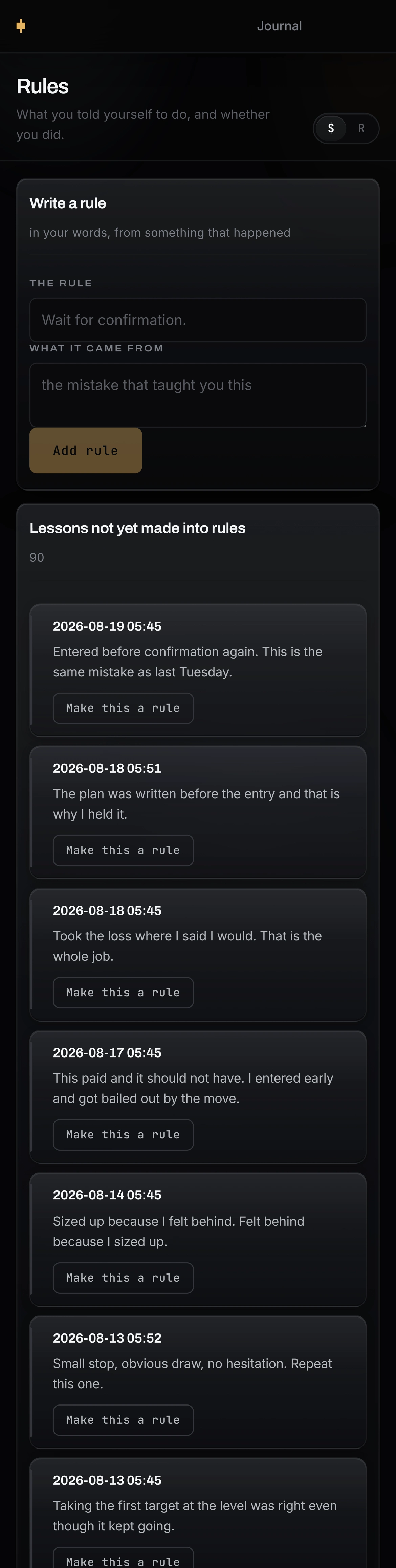
It holds two things, and the order is the argument. First the plan — side, size, entry, stop — locked before you have any idea how it goes, then folded away to one line so it stops taking up your screen. Under it, the rules that plan has to survive. Tick one as you go and the trade is already answered when you log it. The discipline and the record become the same act, instead of the second being a memory of the first. It stays on top in Chrome, Edge and Brave; in Safari and Firefox it opens beside your charts instead.
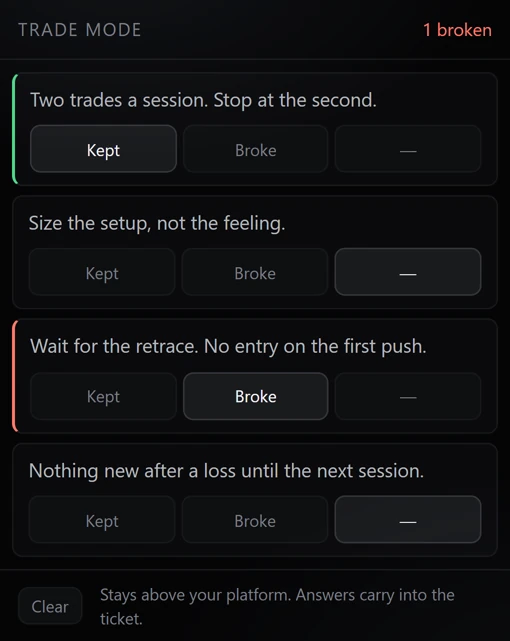
That is the window, at the size it actually opens. Four rules you wrote, two of them already answered while the trade was live, and the count of what you have broken kept in the open where you cannot skip past it.
The month
A year of trading, in the pictures you took.
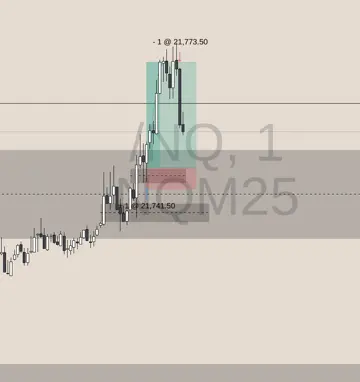
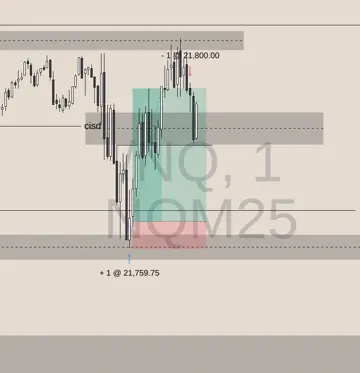
Most traders who journal keep it in screenshots, and they are right to. A chart from four months ago brings the whole trade back; a row in a spreadsheet does not. So the calendar makes the screenshot the day itself. Tap one and it opens into everything in it.
 12
12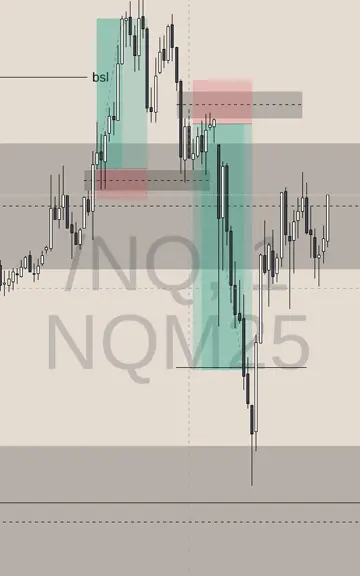 3456
78
3456
78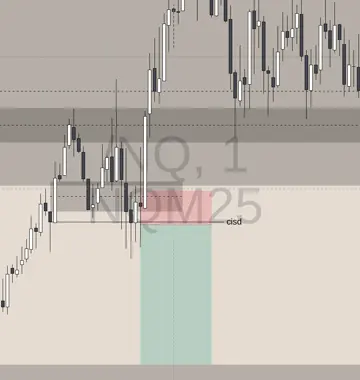 910111213
 14151617181920
212223
14151617181920
212223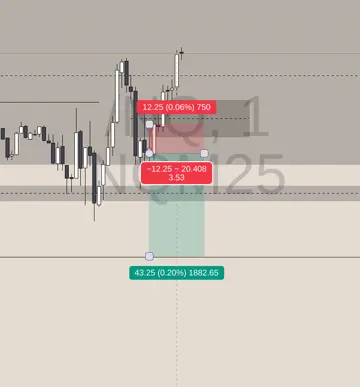 24252627
282930
24252627
282930
Five real charts from one trader’s log. Live trades, real money; green won, red lost. The dates are illustrative.
Laying it out by weekday is the other half. Trade the same session every day and your worst one ends up stacked in a single column — which you would never catch in a list, where those days sit five rows apart. In a column you spot it yourself, before anything has to tell you.
Pricing
Log one week and it reads back to you on Sunday. The only thing that changes below is how long you commit and what that works out at per month.
Checkout is handled by Whop. You’ll be returned to Morsel after payment.
Every one of them is the whole product. No tiers, no per-account charge, no feature held back for a longer commitment. A trader on the monthly plan has exactly what a trader on the yearly one has.
Want to see it work first? Try a sample log — the real app on 96 simulated trades, read-only, nothing to enter. Or read what it finds in them first.
Already bought? Sign in
Prices exclude tax, which the checkout adds for where you are. Each plan renews at the length you picked until you cancel, and you cancel through Whop the same way. Your log exports whenever you want, on any plan.
Before you decide
Most evaluations fail in the first week. Not on strategy.
They fail on the daily loss limit, and they fail on five behaviours that have nothing to do with your setup. Here they are, with what each one does to a trader’s numbers. Morsel names four of the five in your own log and prices them.
Not calling it a day
Carrying on after a heavy session. The most common of the five, and the most expensive: among traders who do it, the profit rate falls to 6.3% against an 18.2% baseline. Morsel flags it as a loss streak.
Overtrading
Taking extra trades to reach the target sooner. Accounts for about a quarter of all losses. The one of the five Morsel does not yet flag on its own.
Revenge trading
Re-entering straight after a loss, before anything has changed but your mood. Morsel flags a trade opened within fifteen minutes of a losing exit, and totals what those trades did.
Doubling down
Adding to a position that is already against you. The lowest profit rate of any behaviour measured, at 5.3%, and about a fifth of all losses. Morsel flags size above twice your own median risk.
Widening the stop
Moving it rather than taking the loss. This is the one that ends accounts rather than days. Morsel prices it exactly: what the trade lost beyond the risk you planned.
That’s the five.
Nothing else is coming today. When there is something worth sending — the sixth behaviour, or what the log says about a month of them — it will go to the address you just gave.
Figures are as reported in a third-party analysis of over 500,000 prop firm accounts, and describe those traders rather than any Morsel user. Which behaviours Morsel detects, and how, is described above and is a statement about the software.
Questions traders actually ask
Show the questions
What am I supposed to write down?
You don’t decide — the ticket asks. Side, size, entry, the risk you set, the setup in your own words and how you were feeling, and that is the whole of it. Everything else is arithmetic Morsel does for you: R against the risk you planned, expectancy, which rule you broke and what it cost. Nobody keeps a journal well by inventing their own format at six in the morning.
I already keep a spreadsheet.
Then you know the hard part isn't writing it down, it's reading it back. Morsel does the reading. Import the spreadsheet on day one and it starts finding patterns in what you already have.
I have tried journaling and stopped after two weeks.
Everyone has, and it usually stops after a loss rather than out of laziness — writing it down is hardest on the day it would be worth the most. That, and ten minutes of typing that never gave anything back. Here logging is one tap at entry, and the read arrives on Sunday whether you ask for it or not.
I don’t want to log the days that went badly.
Nobody does, and that is exactly when journals stop. So the entry is written before the outcome exists: you log the trade when you take it, not after you find out what it did. By the time it is a bad day it is already recorded, and you never had to sit down and choose to write it. The days you would have skipped are the ones worth having.
Will it sync with my broker?
Not yet. Broker sync is being built and is not in the product today, so the honest answer is that trades go in by hand or by CSV. The CSV has to carry Morsel’s own columns — export an empty log to get the shape — and a real broker export will not import as it comes. If that is a dealbreaker, wait for it rather than buying on it.
Is my log private?
Your log is yours. We don't read it, we don't train on it, and no other account can see it. Export the whole thing or delete it whenever you like.
What is trade mode?
A desktop feature: a small window holding the rules you wrote, which stays above your trading platform while you work. Answer a rule during the trade and the entry already carries that answer when you log it. It floats on top in Chrome, Edge and Brave; Safari and Firefox open it beside your charts instead.
What if the log says something I don't want to hear?
It usually does. That is the entire product, and it is a great deal cheaper to hear it from a page than from your account.
Something not answered here? morselsupport@gmail.com